
Search
In this article we'll be exploring our Placements feature including what they are, how to use them, and why they may be beneficial for you and your company.
What are Placements?
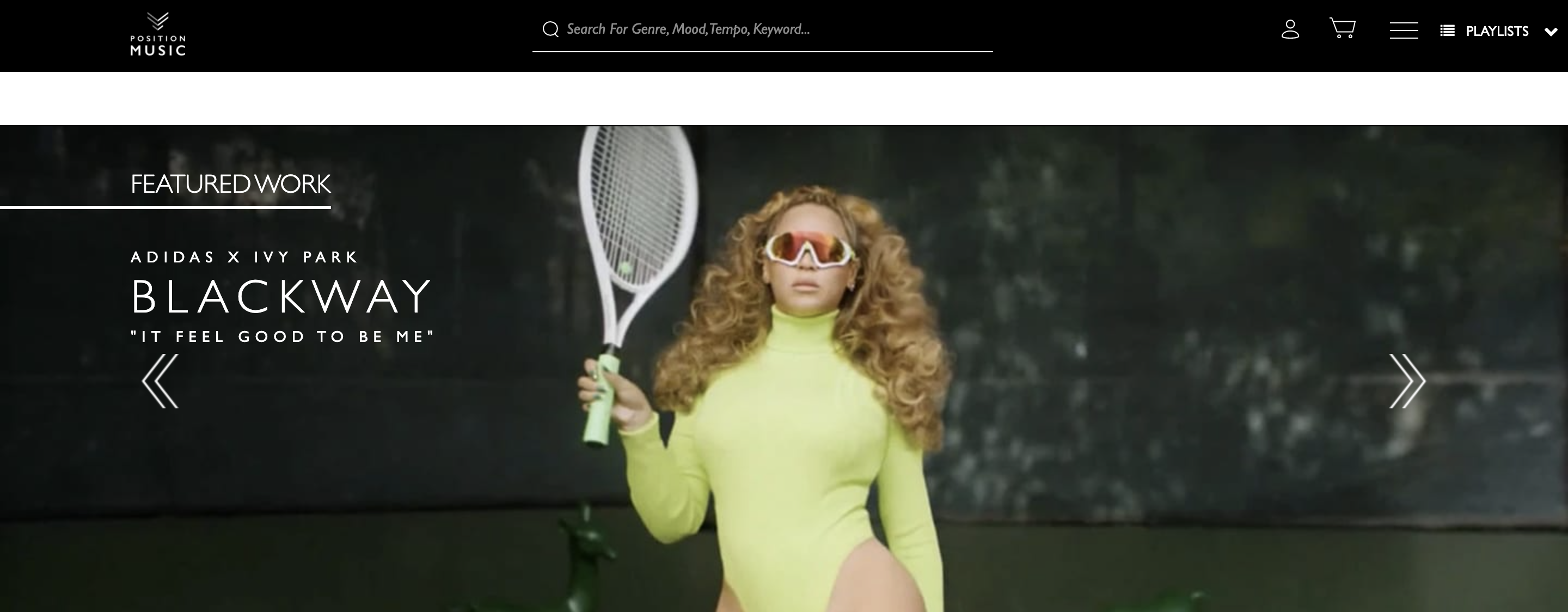
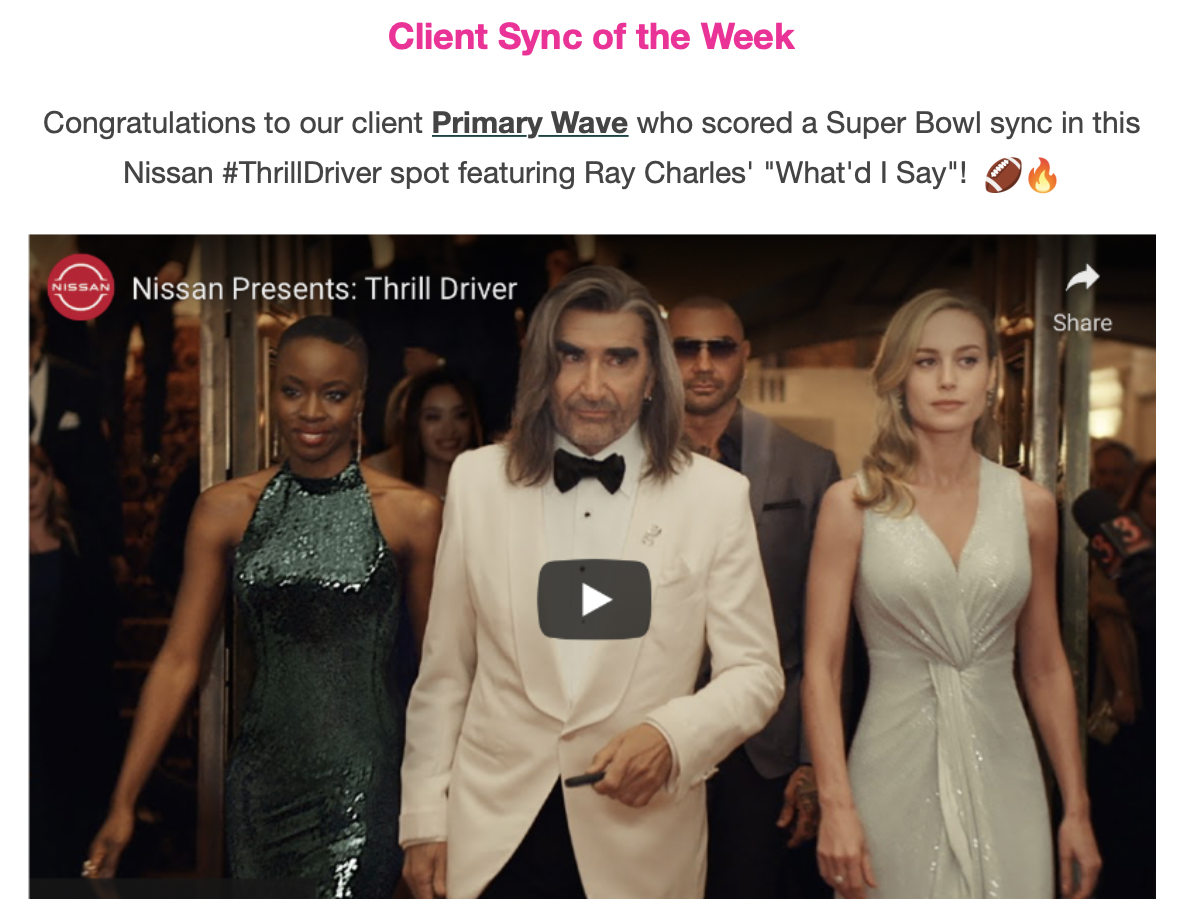
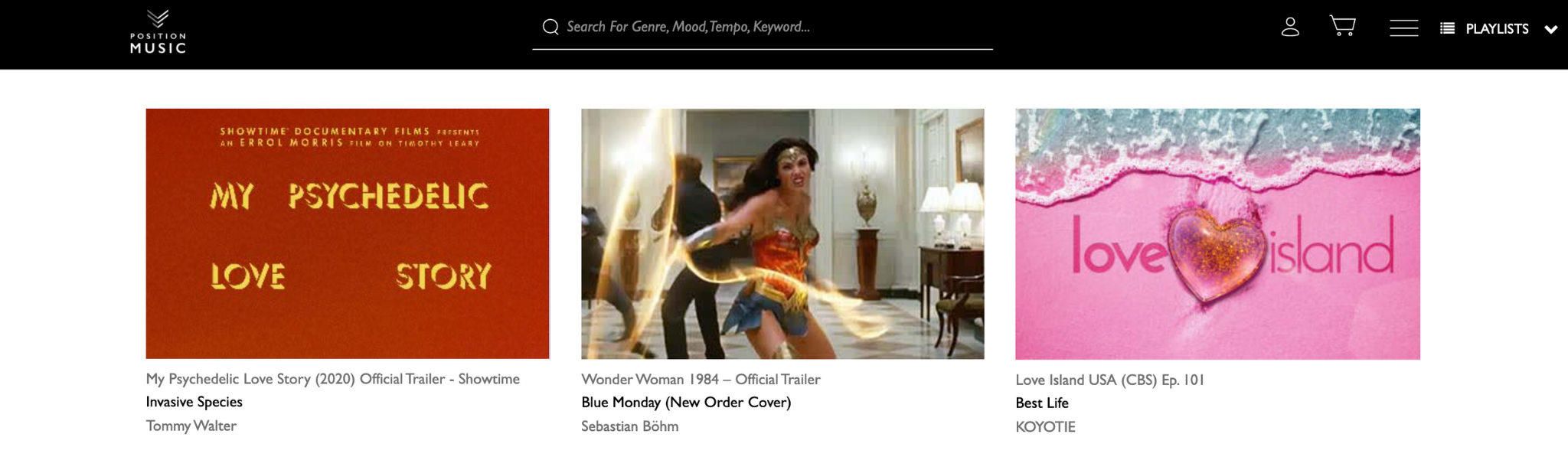
Placements are a great way to build buzz around your company and promote your recent syncs as well as the artists you represent. Your dedicated Placements page allows you to show your existing and prospective clients your work and where your catalog has been used in the past. This could be in the trailer for a hit TV show, a big brand campaign, or a tear-jerking film sequence.
Creating a Placement
Creating a Placement is easy. To start creating a placement, you must go to the Placements Page in your CMS or in Synchtank Admin. In the CMS, Placements can be found under the Artists Tab, whilst in Synchtank Admin, they can be found under the Catalog Menu.
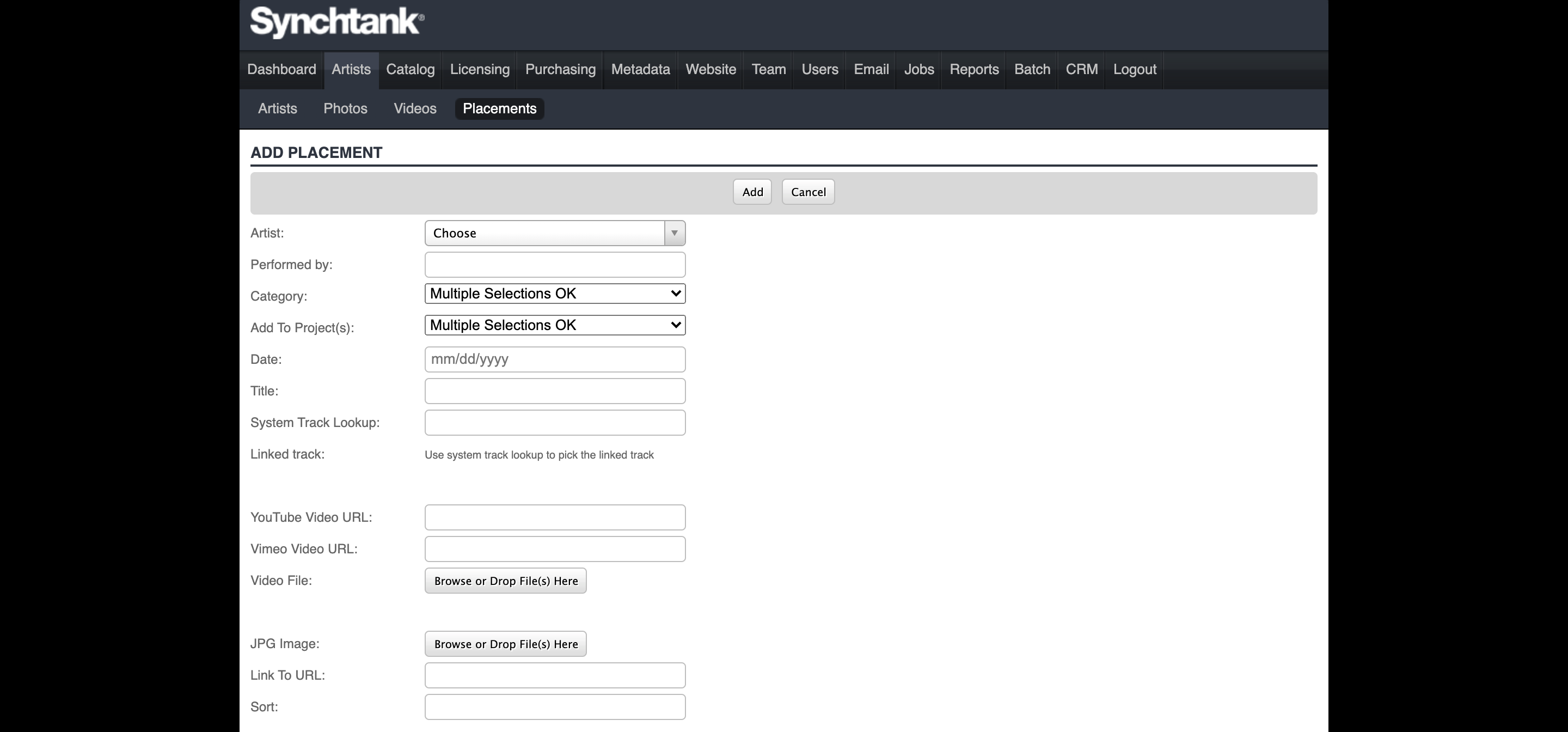
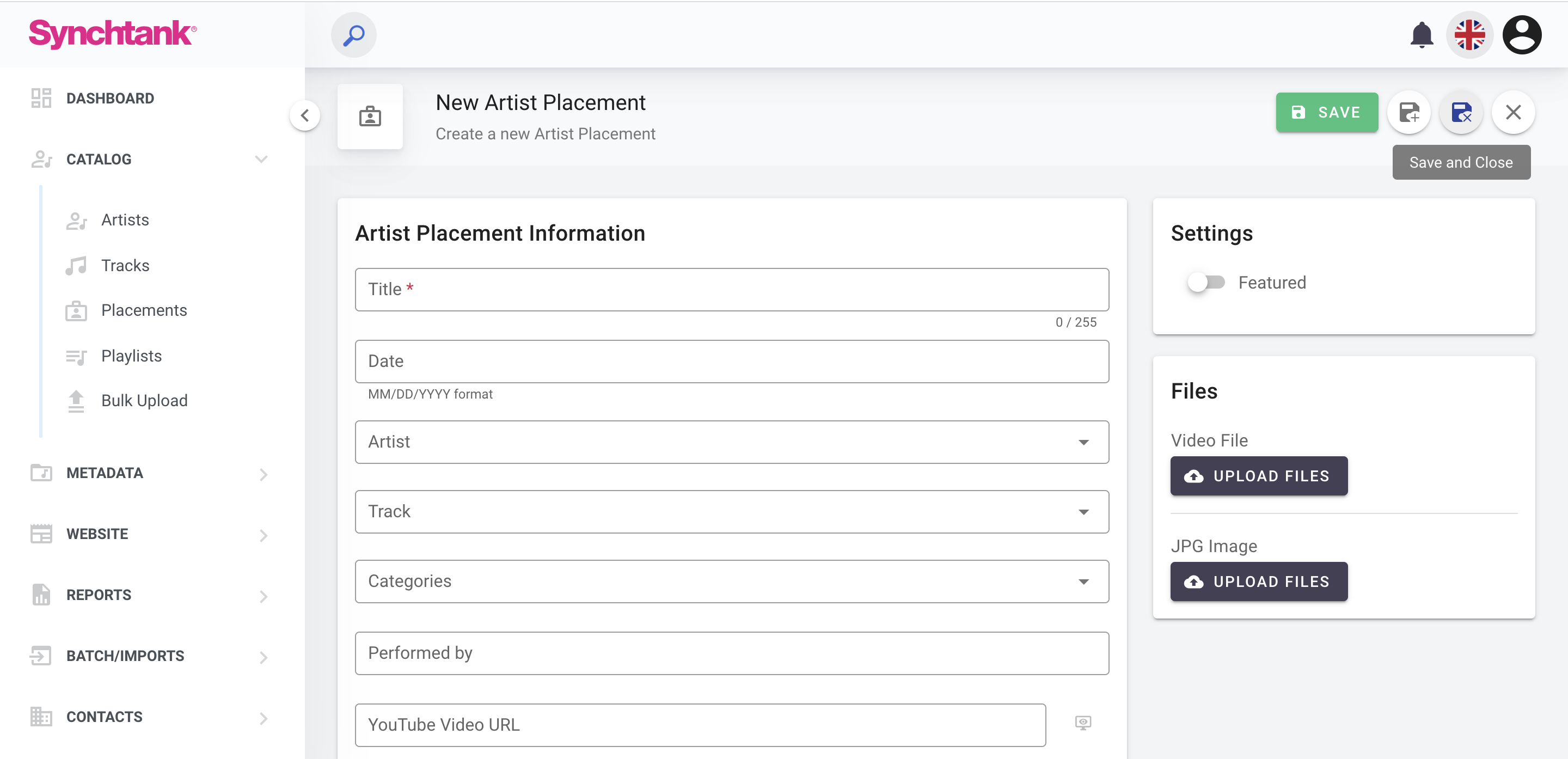
First, choose the Artist featured in the placement. The Placement can be added to the Artist's Page on your system too.
Next, choose the date and title of the placement and link the Placement to a track in your system.
Finally upload or add a YouTube or Vimeo link for the Placement, if a video is unavailable, you can choose to upload an image instead. A description can also be added describing the placement and giving the user further background information.
For further information on Placements and how they could work for you, please contact support@synchtank.net.