
On the front-end of your Synchtank site your users have the ability to license a track directly from you, helping you monetize your assets. For more information on how to set this up please review this article.
Your users can license a track in a few different ways, depending on the type of module you have enabled with Synchtank, but the main 3 ways are:
Form Licensing
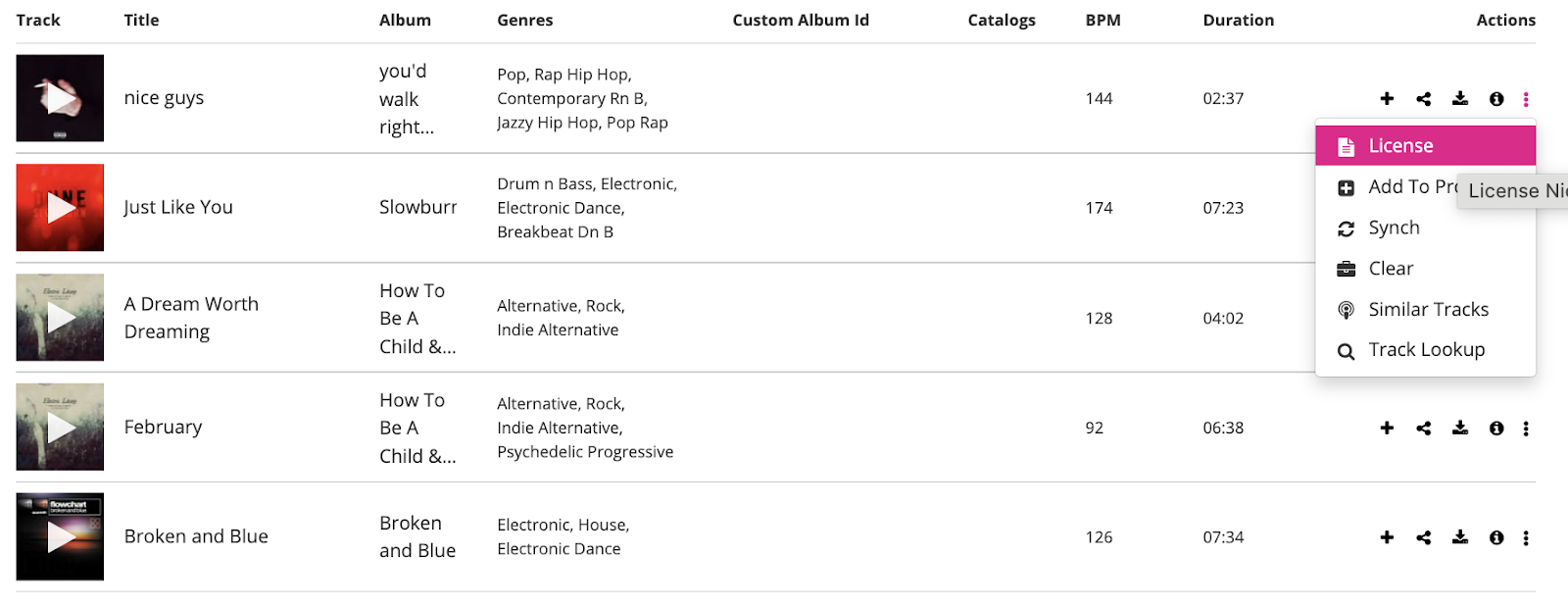
Here you can request to license a track via a form submission. Simply select the 3 dots on the track you would like to license and select “License”.
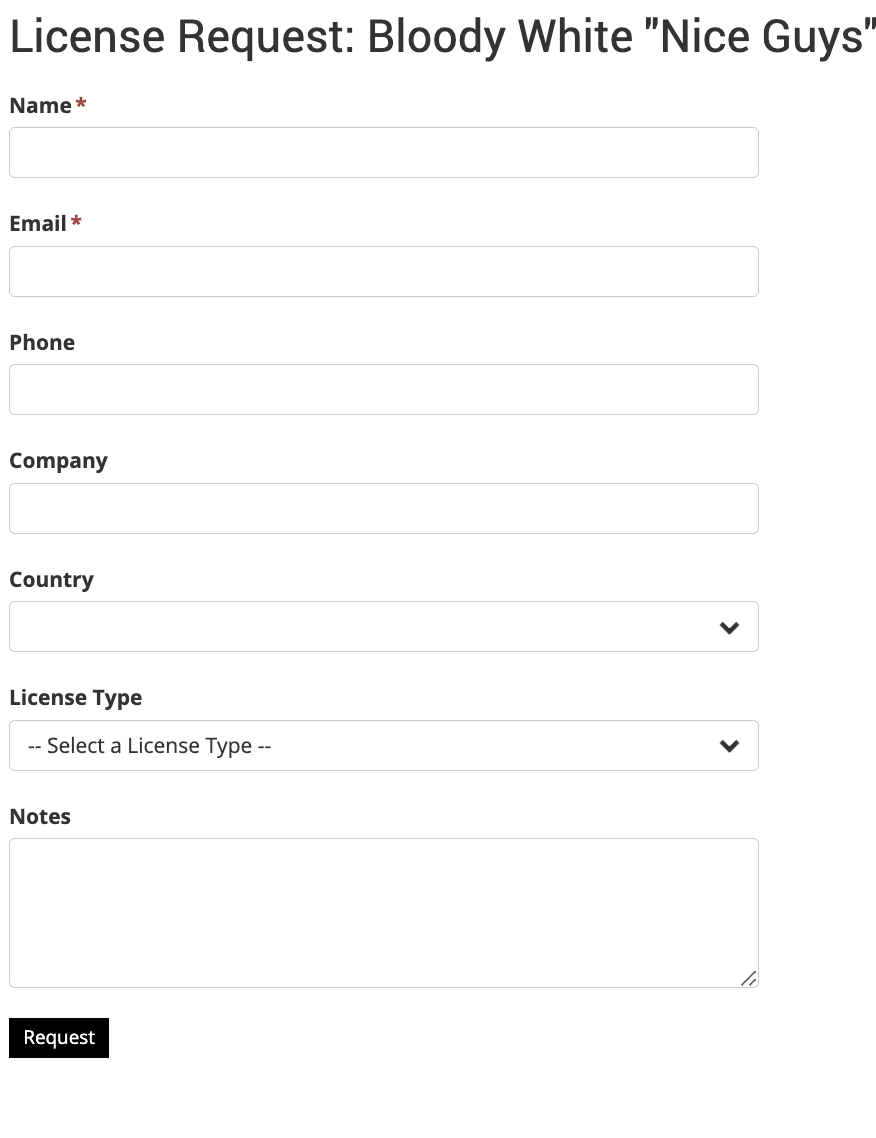
A form will then appear that requests some more information, so that you can discuss what type of license you are required and discuss the price.
Micro-Licensing
Micro-Licensing (sometimes called single track licensing) allows you to purchase licenses for a track.
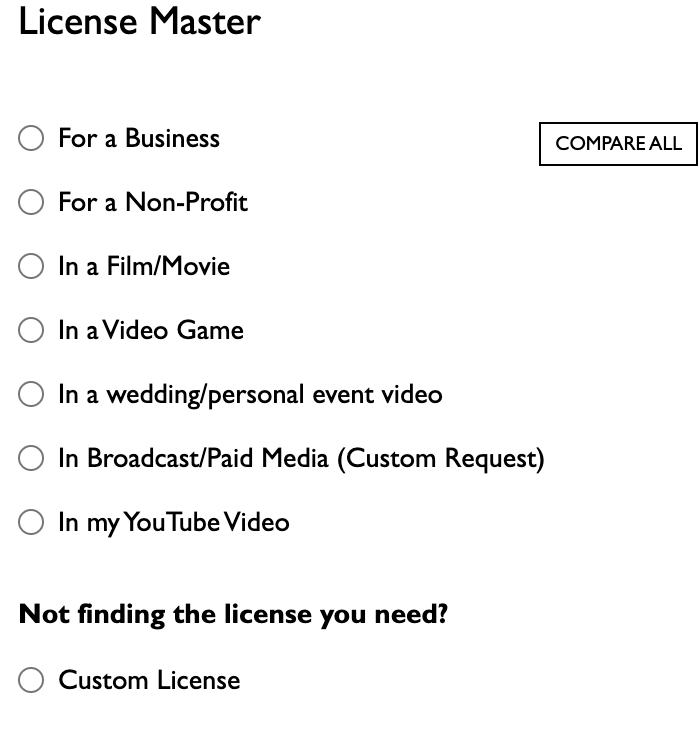
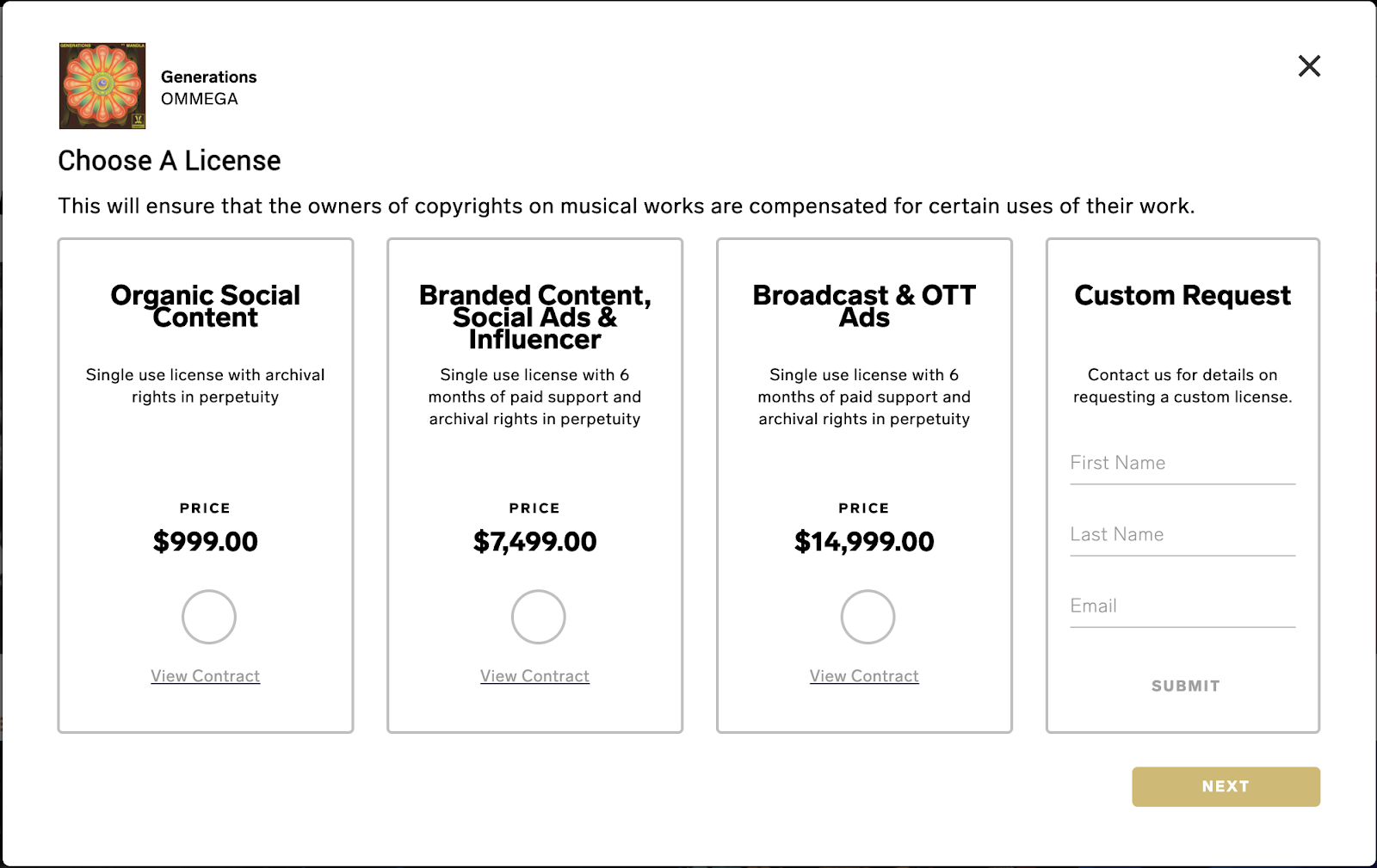
Following the same process, select the 3 dots and license and a pop-up will appear with different options to license (this is different for each customer but below is an example of what this looks like):
Subscription Licensing
Subscription licensing allows you to pay a recurring fee, which gives you access to license as many tracks as per the subscription.