Search
- To start a Royalty Run go to the second tab of the IRIS bar and click on Royalty Run.

- A window will open. Here you can see 2 options, Interim and Final. Interim Royalty Runs can be run as many times as needed; however, a Final Royalty Run is final and will open a prompt asking if you are sure when it is selected.
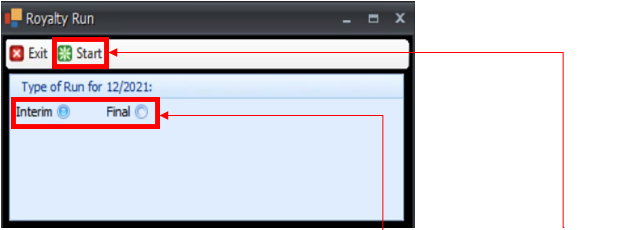
- In this window Select the Royalty Run you want (Interim or Final) and then click Start.
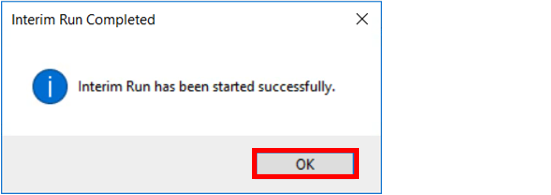
- Click OK on the pop up.