Search
- Click the IRIS.NET Tools tab in the IRIS ribbon and select IP Merge.

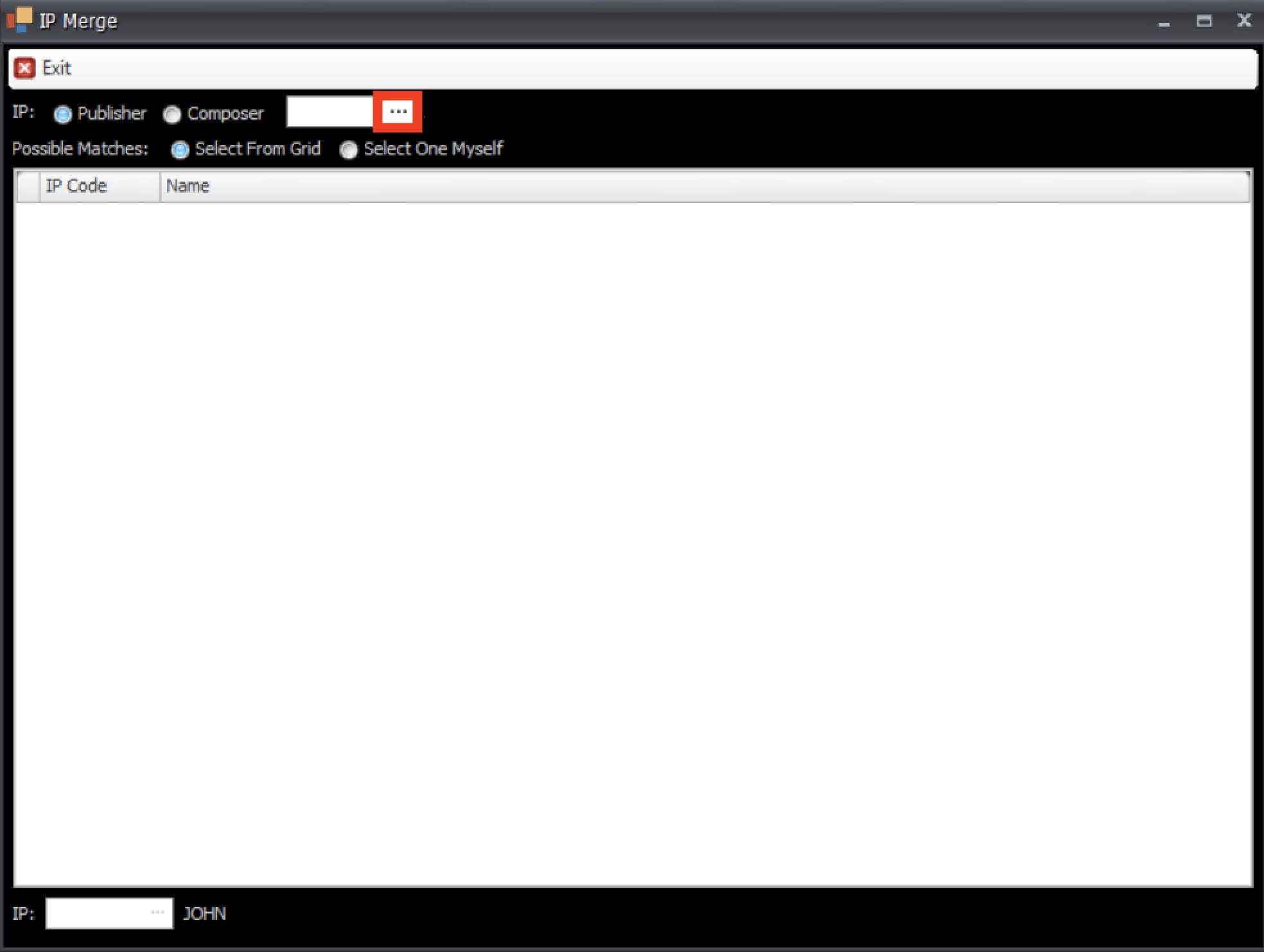
- Choose Publisher or Composer, then click the ... to select your first IP.
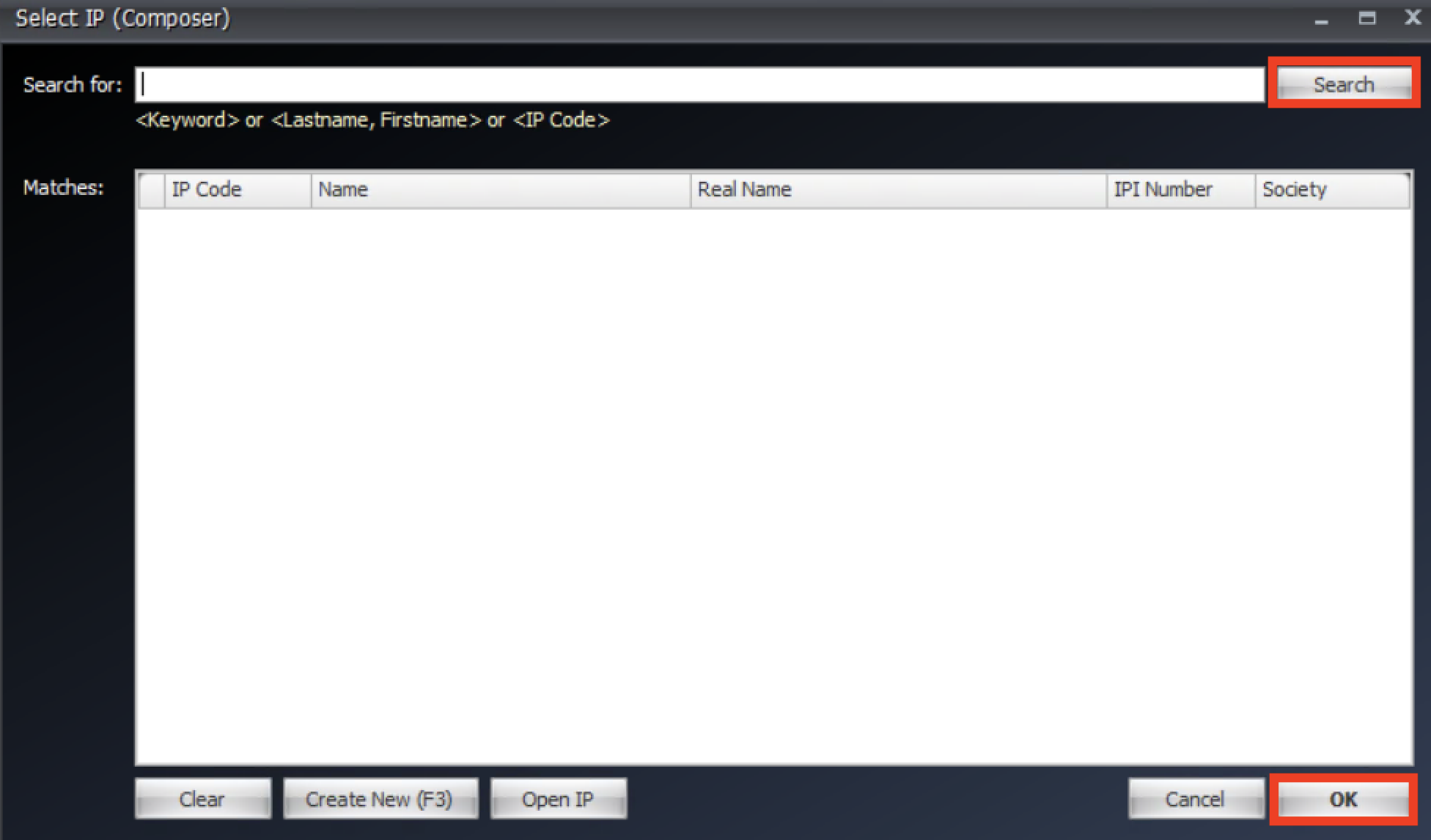
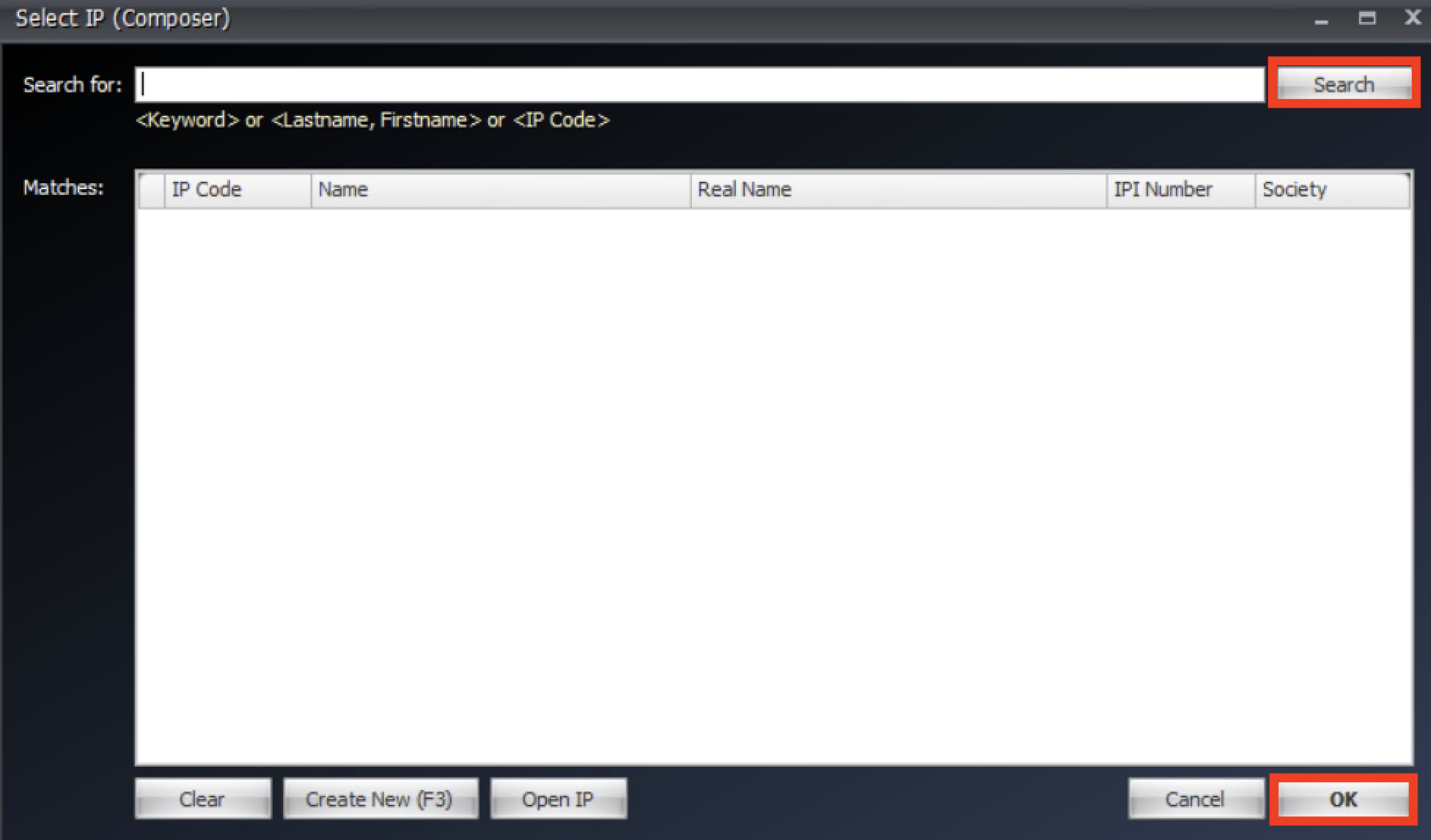
- Search for the first IP you want to merge, select it and click OK.
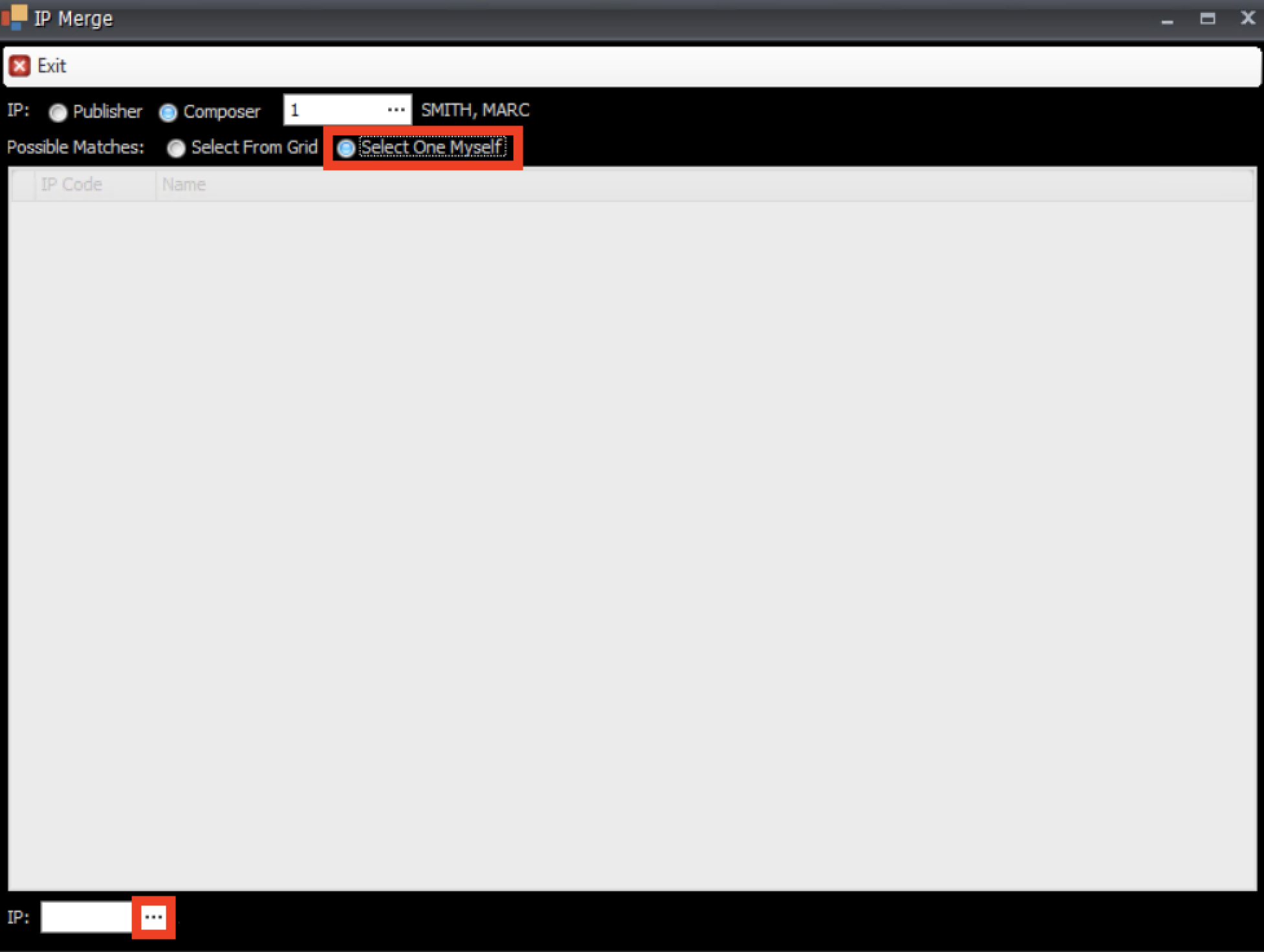
- Then choose "Select One Myself" and at the bottom use the ... at the bottom of the window to choose your second IP.
- Search for the second IP, select and Click OK.
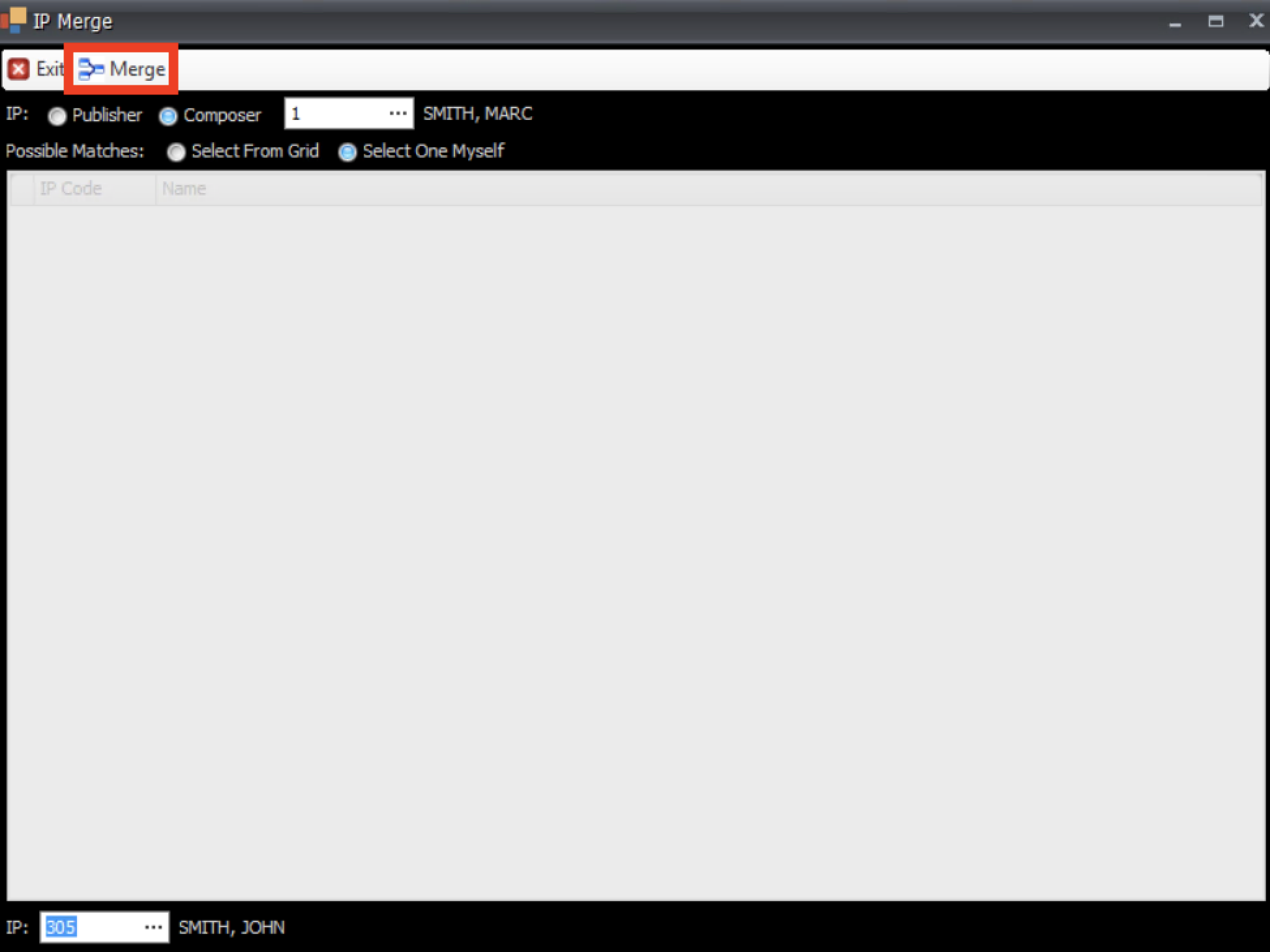
- In this window, you see you have the first IP at the top and the second IP at the bottom. Click Merge at the top of the window.
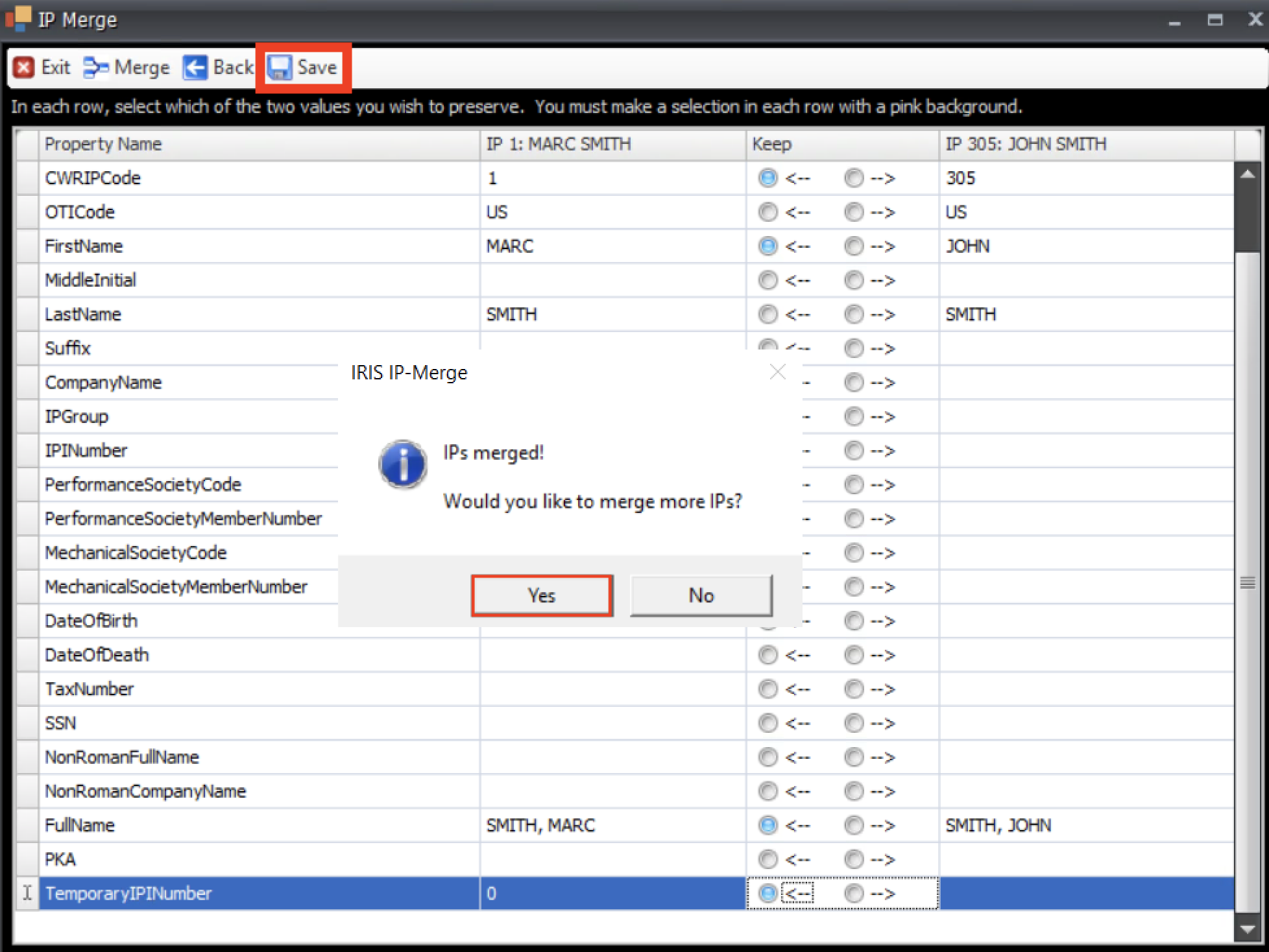
- A new window appears, for every line in pink, choose which IP characteristic to preserve.
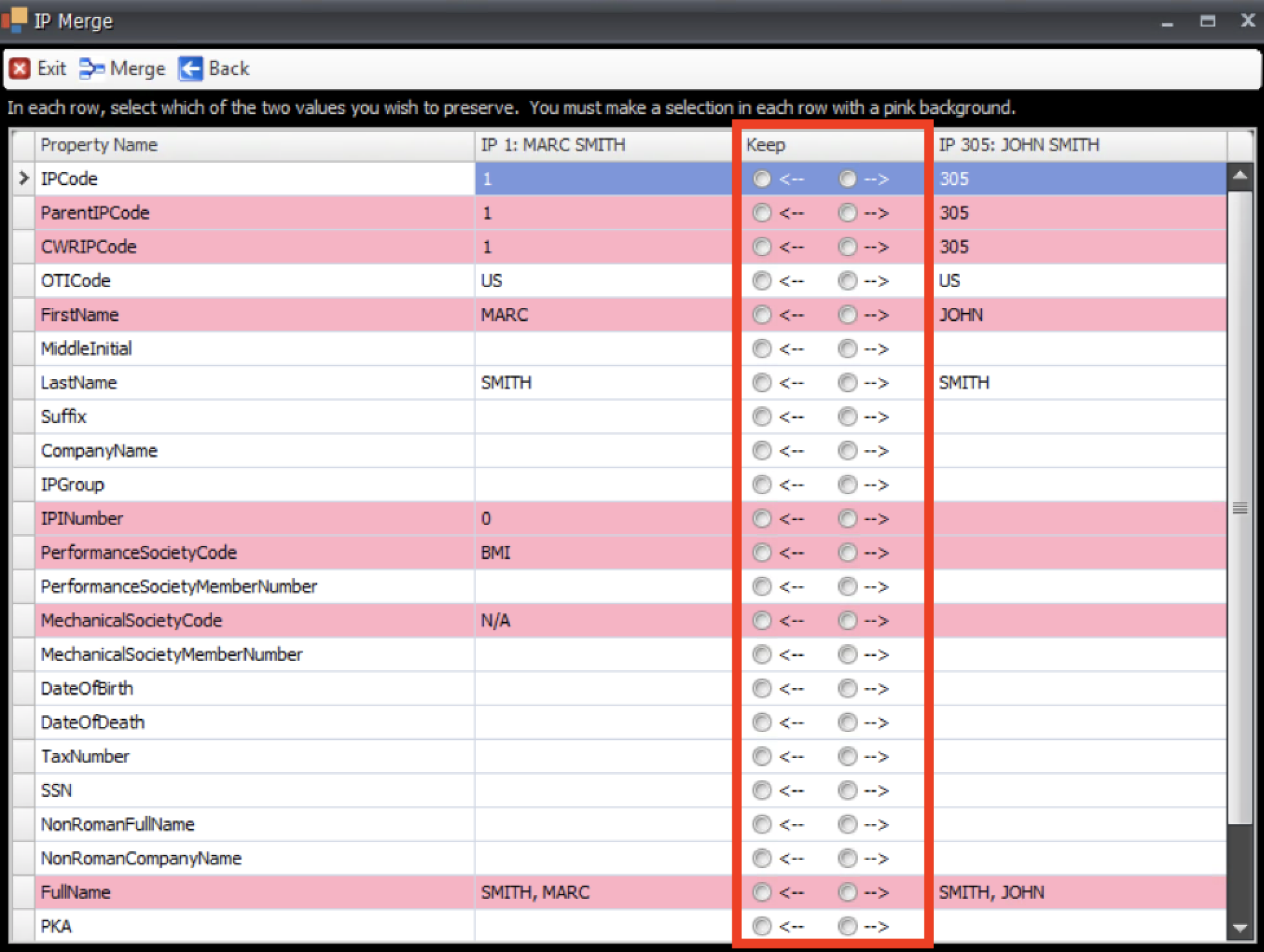
- Once you've selected everything to preserve, remember to scroll down, click Save at the top and then click Yes in the pop up.