Search
- On the first tab of the IRIS bar click Create New Composer.

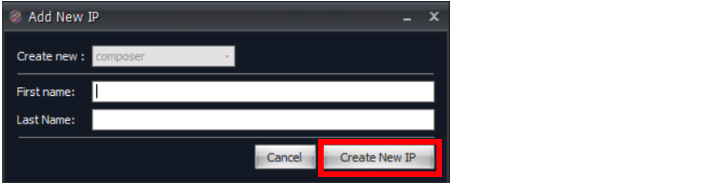
- Enter the Composer First Name and Last Name into the relevant Fields (Only the Composers Last name is required to continue) and then press Create New IP.
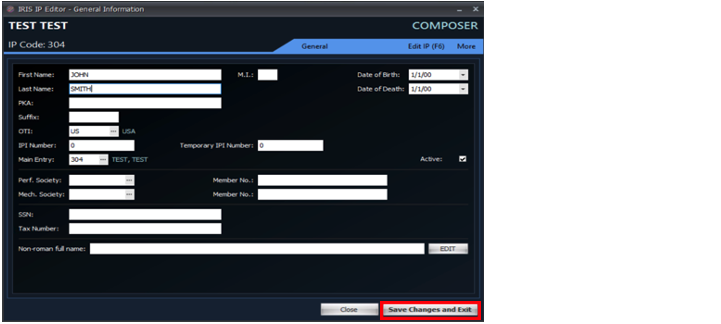
- Enter any other details about the composer into the window that opens and then press Save Changes and Exit.
- On the first tab of the IRIS bar click Create New Publisher.

- Enter the Publisher Name and Group into the relevant Fields (only the Publishers Name is required to continue) and then press Create New IP.

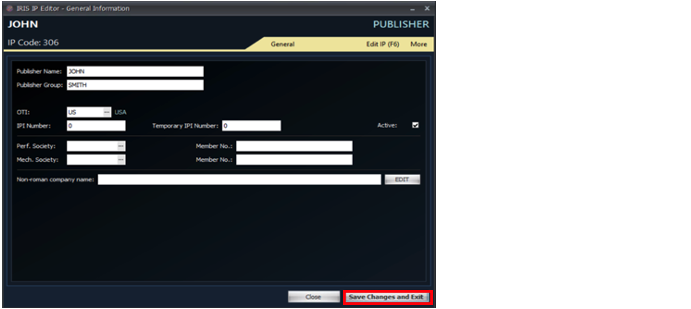
- Enter any other details about the Publisher into the window that opens and then press Save Changes and Exit.
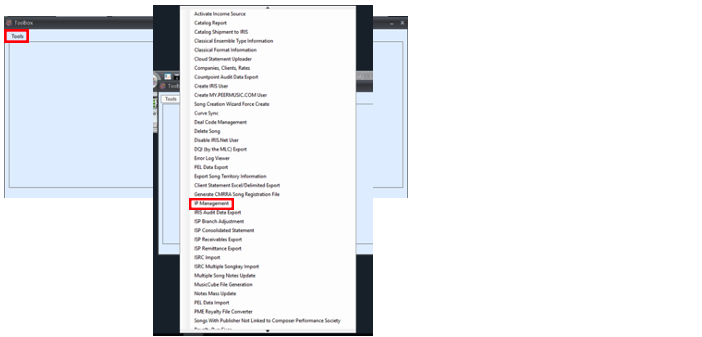
- To Edit a previously created composer or publisher, open TOOLBOX on the Tools tab of the IRIS ribbon.

- Select IP Management from the dropdown.
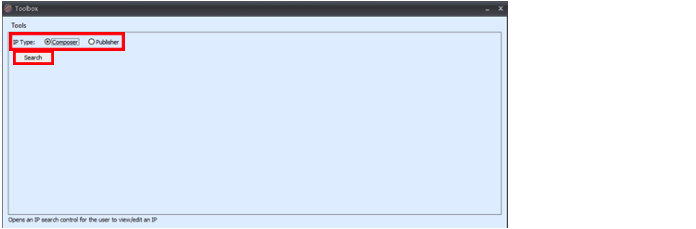
- Select the type (Composer or publisher), click search.
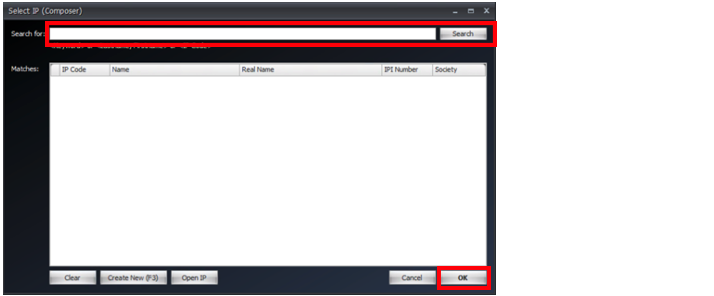
- Enter the name of the IP you would like to edit, select the correct IP and click OK.
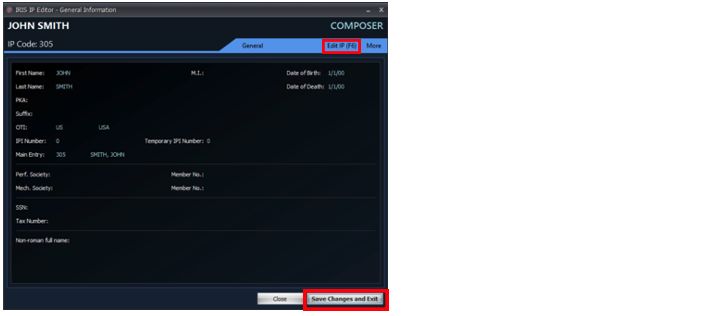
- IP window will open, click edit IP to edit IPI number, affiliations, DOB, etc. Then click Save Changes and Exit when Finished.
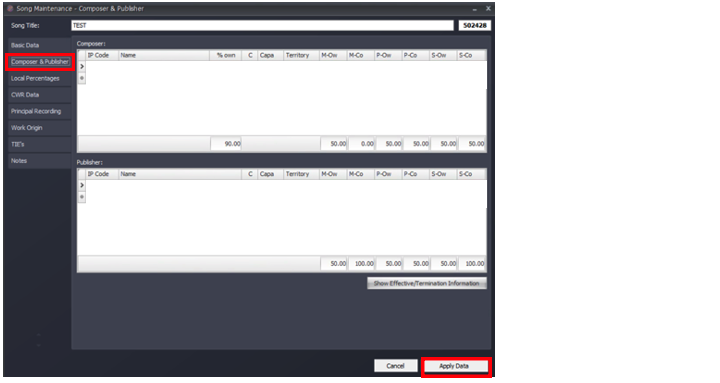
- To update Publisher or Composer Shares on a song, you’ll need to edit search the song in the search (Click on one of the search options in the first tab of the IRIS ribbon), double click the song to open the song mask then click Edit Song.
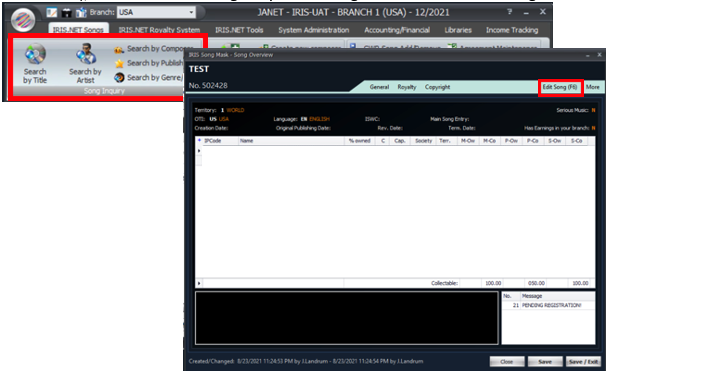
- Then click Composer & Publisher, you can now edit the fields you wish to change then click Apply Data.