
Search
1. Click on International report in the Libraries Tab of the IRIS bar.
2. In the window that opens click Reports.
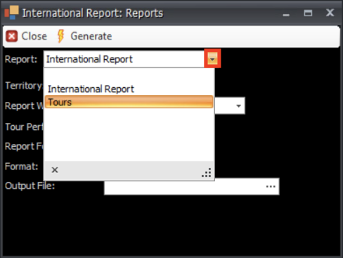
3. Select the kind of report you wish to generate by clicking the arrow at the end of the Report field.
4. Fill in the fields in the window.
5. Choose the output file by clicking on the … and then selecting the correct file.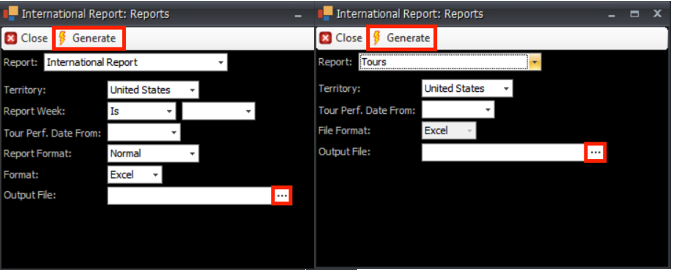
6. Click Generate to generate the report.