Search
- Go to the IRIS.NET Tools tab (3rd tab) and click Open report.

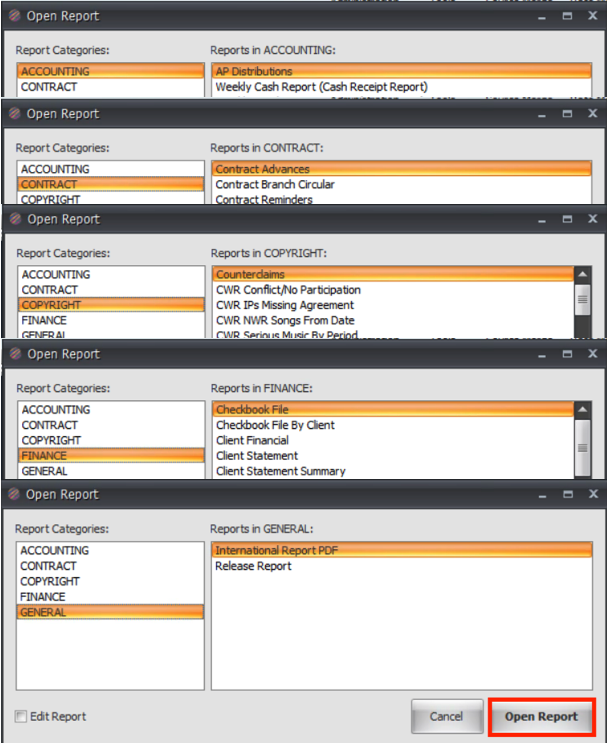
- A window will open, here you can select the type of report you want to create.
- Reports are broken up into 5 categories: Accounting, Contracts, Copyright, Finance, General. First select the category then scroll and select the report you wish to create then click on Open Report.
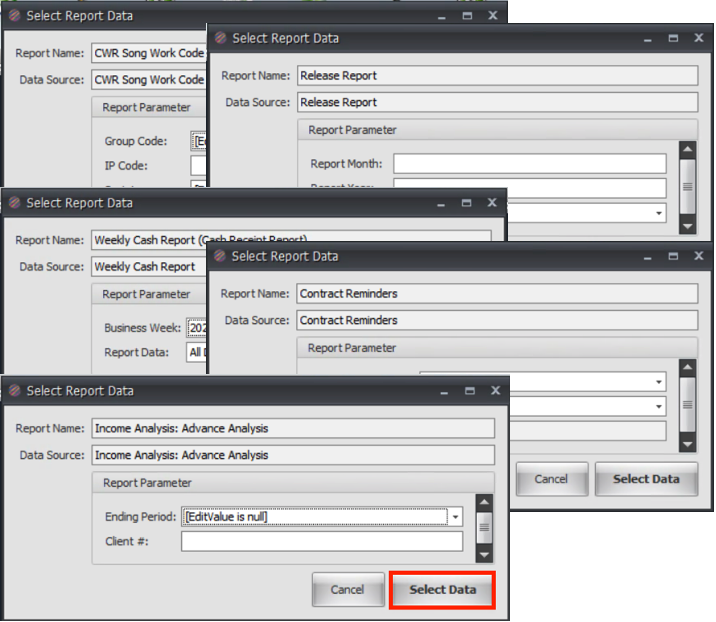
- A new window will open containing fields that are required to create the report, these fields change depending on the report you are going to create. Fill in the fields and click Select Data.
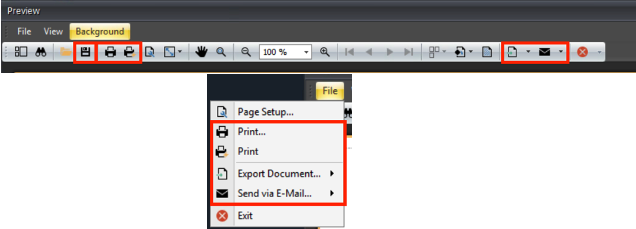
- A new window with the created report will open, you can Save, Print, or Export the report using to buttons at the top of the page or by clicking on File then Print or Export.