
Search
- In the second tab of the IRIS bar (IRIS.NET Royalty System) click on Financial Transactions.

- In the new window that opens you can search for existing financial transactions by entering search terms into the relevant fields (if you want the search to return all financial transactions leave all the fields blank) and then click Search.
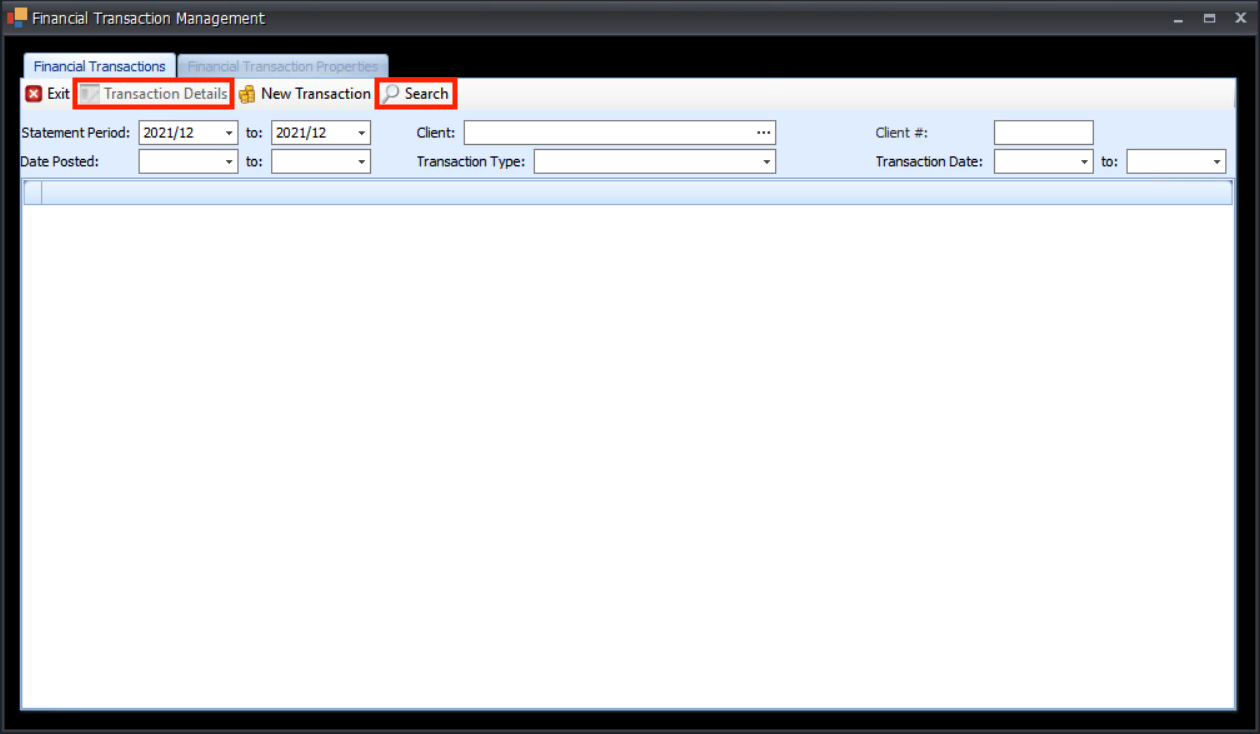
- To see a financial transaction in detail, select the correct row then click Transaction Details.
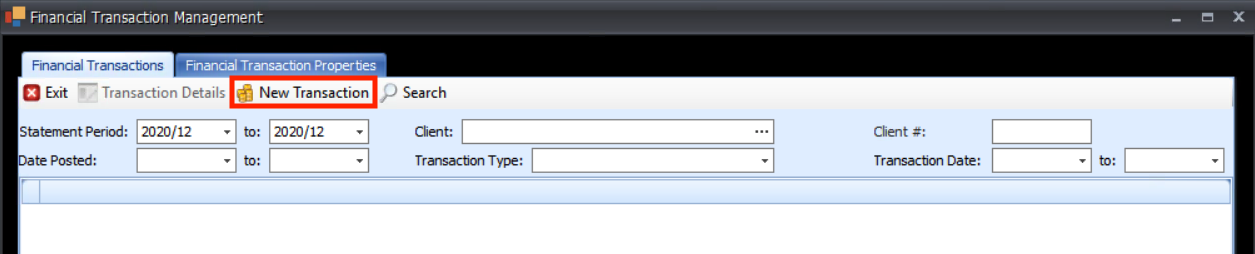
- To create a new Financial Transaction, click on New Transactions.
- You must enter a client, to do this click the … at the end of the client field to open a search window.
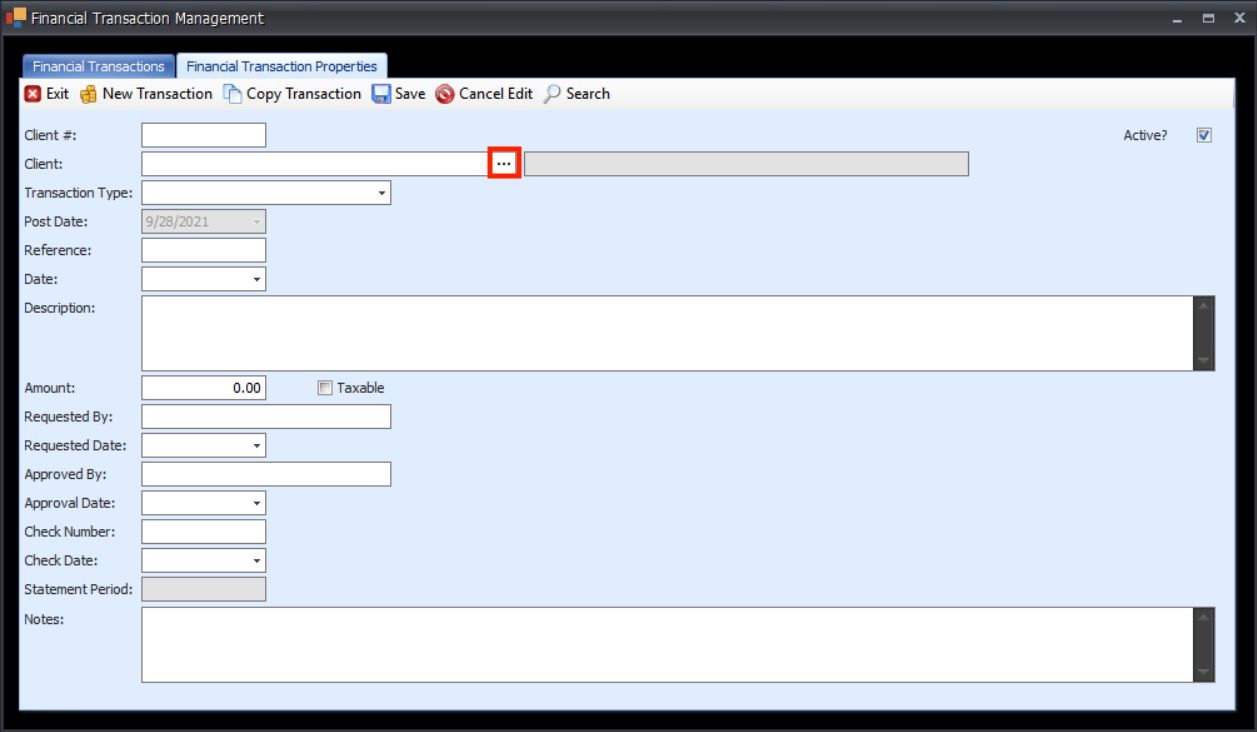
- Search for the correct client using the search fields (or leave them blank to return all clients) then click Search. Select the correct client and click Select (This will automatically populate the Client # field).

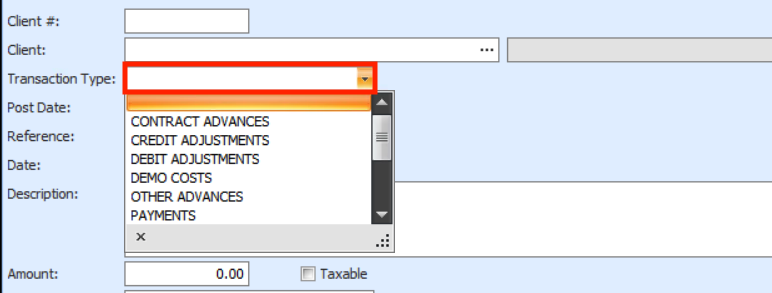
- Select the transaction type by clicking on the Transaction Type field to open a dropdown. Select the correct transaction type.
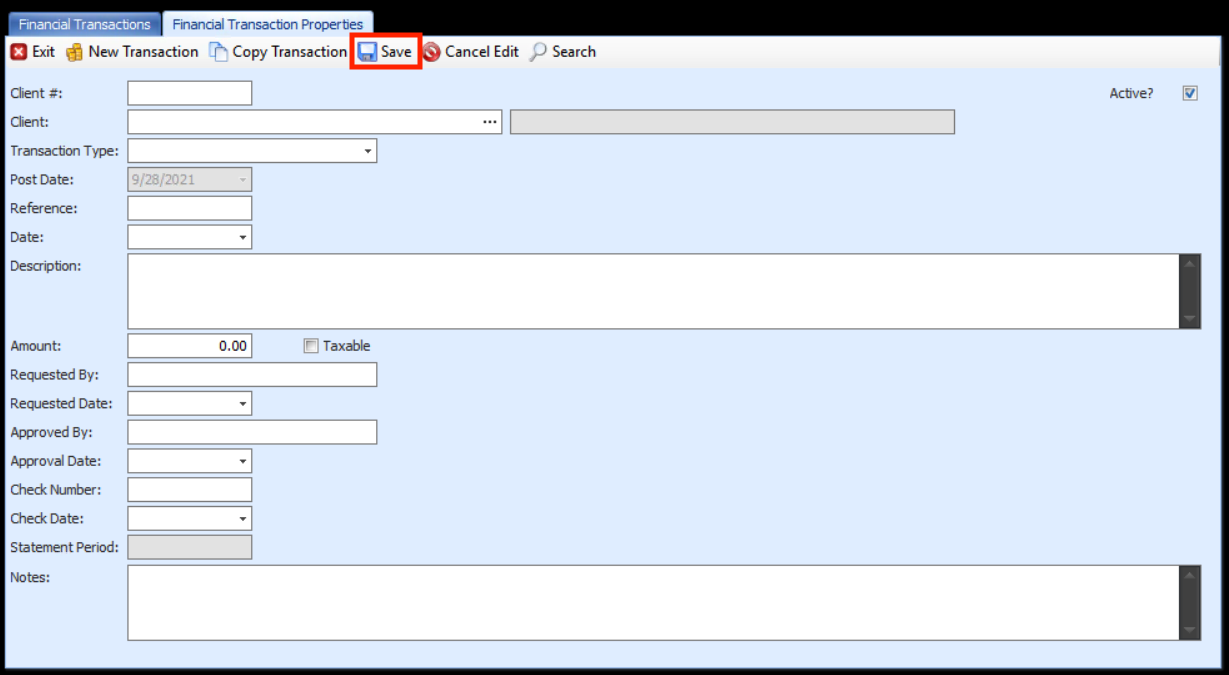
- Enter any other data into the relevant fields then click Save.
- You can copy the Transaction by clicking Copy Transaction.
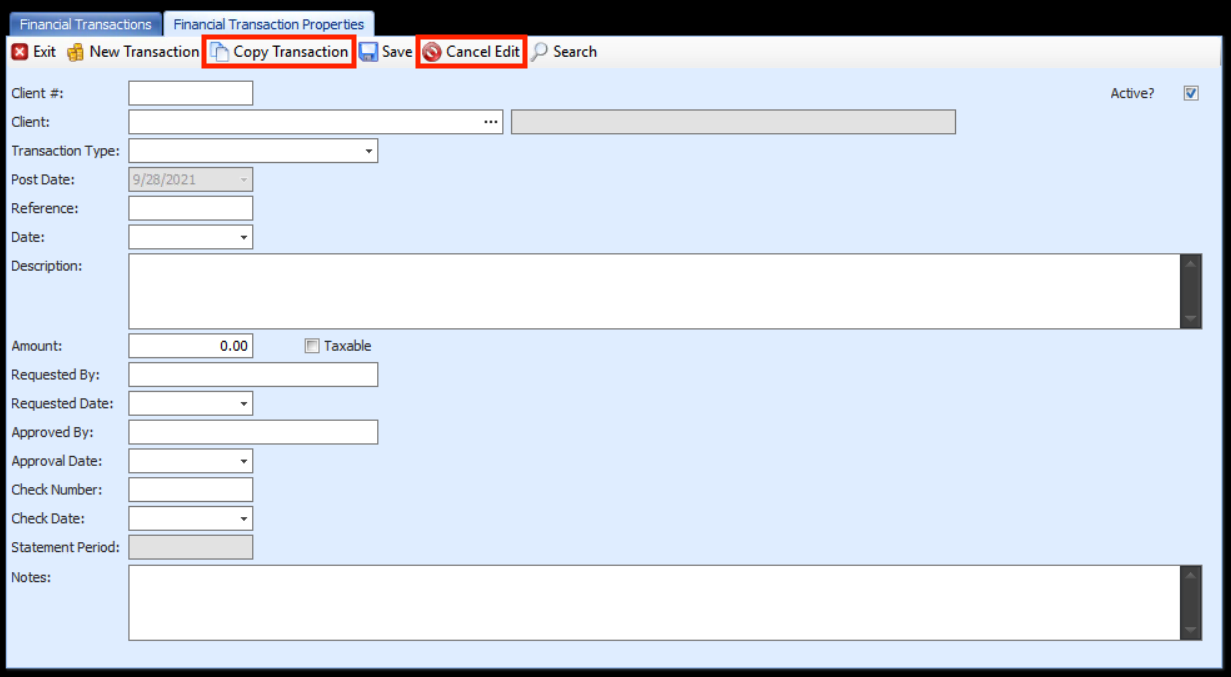
- You can revert to the original transaction details by clicking Cancel Edit.