Search
- In Workspaces, open your web browser.
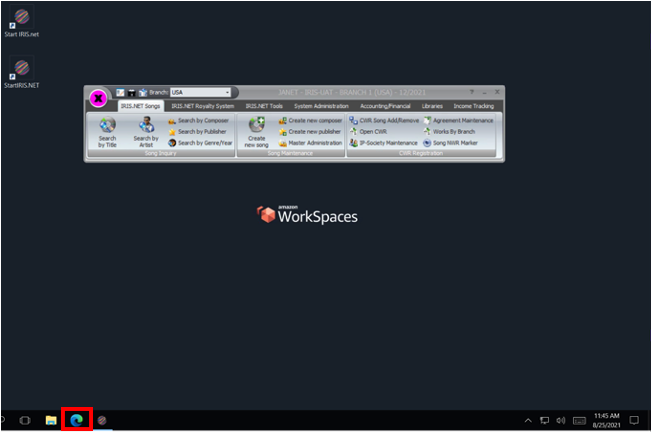
- Input your IRIS web link, it should look something like this: <clientname>.iris.synchtank.net.
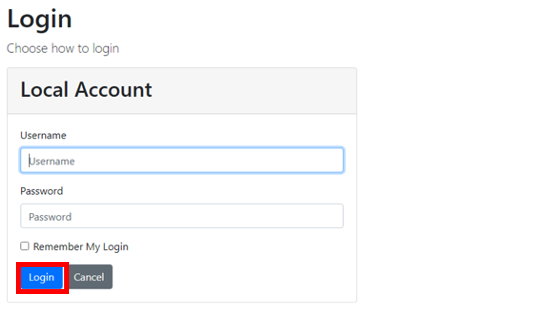
- Log into your account using your Username and Password and click Login.
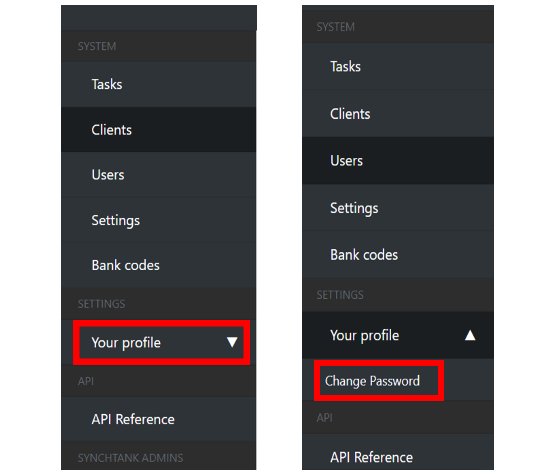
- Click on Your profile.
- Click on Change Password.
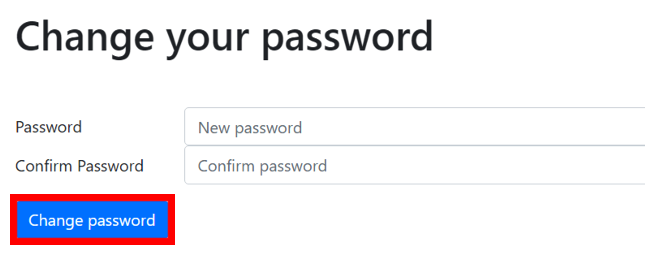
- Input your new Password twice and then click Change Password.